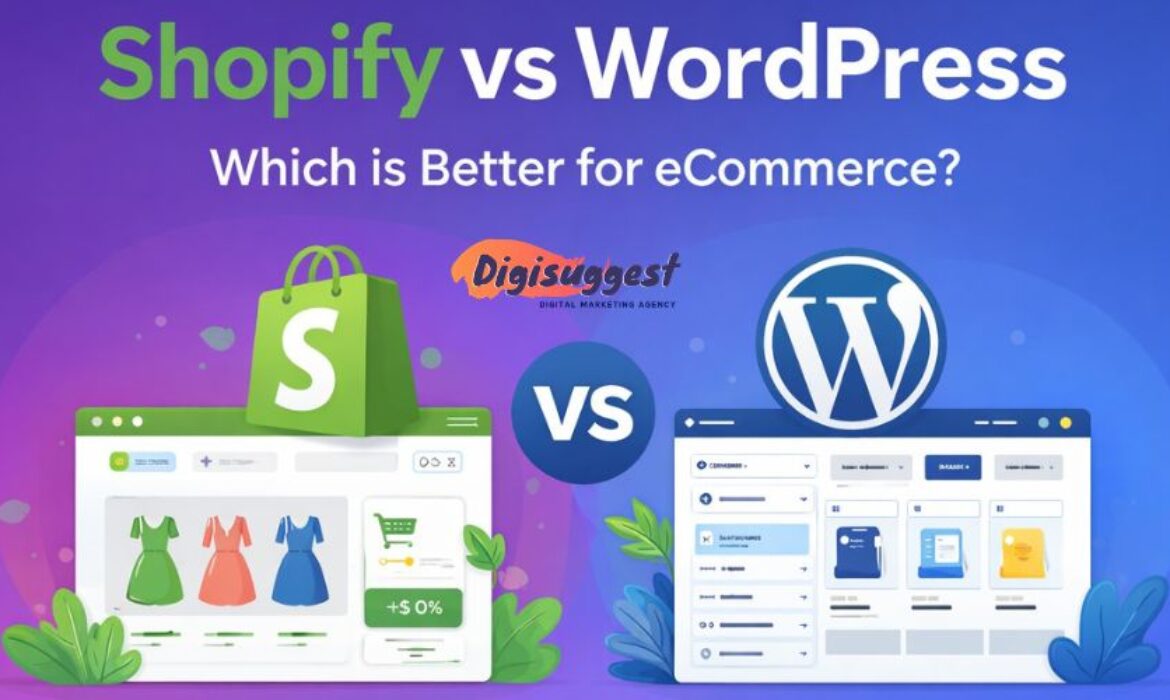
Building a successful e-commerce empire in India starts with one critical question: Shopify vs WordPress - kaunsa platform best hai?
If you are an entrepreneur in Delhi, Mumbai or anywhere in India, you know that the digital market is booming. But choosing the wrong foundation can lead to technical headaches, slow loading speeds and lost sales. As a premier Shopify website development agency in Delhi India, we at Digi Suggest have seen businesses thrive on both.
In this blog, Digi Suggest will break down every single detail from pricing and SEO to ease of use and Indian payment integrations to help you make the right choice for your brand.
- The Core Philosophy: SaaS vs. Open Source
- Ease of Use: Hand-Holding vs. DIY
- Design and Aesthetics: The "Look" of Your Brand
- The Cost Factor: Budget vs. Value
- E-commerce Features for the Indian Market
- SEO & Organic Traffic: Google Pe Ranking
- Security: Safe and Sound?
- Scalability: Growing Your Business
The Core Philosophy: SaaS vs. Open Source
Before we jump into the features, let us understand the "DNA" of these two platforms.
What is Shopify? (The Managed Solution)
Shopify is a SaaS (Software as a Service) platform. It is a "closed-loop" system. This means Shopify provides the hosting, the security, the checkout engine and the interface. You pay a monthly subscription to use their "software."
Example: It’s like living in a luxury apartment complex. You pay a maintenance fee, and the builder takes care of the lift, the security and the water supply. You just move in with your furniture (products).
What is WordPress + WooCommerce? (The Self-Hosted Solution)
WordPress is an open-source Content Management System (CMS). To make it an e-commerce store, you install a free plugin called WooCommerce. This is relevant for WordPress website design services in Delhi India.
Example: This is like building your own independent house on a plot of land. You own the land (hosting), but you are responsible for the plumbing, the wiring and the security. If the roof leaks (site crashes), you have to fix it yourself or hire a mistri (developer).
Ease of Use: Hand-Holding vs. DIY
Shopify: The "Non-Techie" Paradise
Shopify is famous for its "Onboarding." Once you sign up, it walks you through adding products, setting up payments, and picking a theme.
- No Coding: You don't need to know HTML, CSS or PHP.
- Centralized Dashboard: Everything orders, analytics, inventory and marketing is in one clean sidebar.
- Mobile App: You can manage your entire Indian business from the Shopify mobile app while sitting in a metro.
WordPress: The Learning Curve
WordPress wasn't originally built for selling; it was built for blogging. While WooCommerce is powerful, it feels like an "add-on."
- Setup Complexity: You have to buy hosting (Bluehost, Hostinger, etc.), install WordPress, install WooCommerce and then configure SSL certificates.
- Plugin Conflict: Sometimes, one plugin doesn't like another plugin and your site might show a "Critical Error." Yahan thoda technical dimaag lagana padta hai.
Design and Aesthetics: The "Look" of Your Brand
In India, "Jo dikhta hai, woh bikta hai" (What looks good, sells).
Shopify Themes
Shopify has a curated Theme Store. Whether you use a free theme like Dawn or a premium one, they are all:
1. Mobile-Responsive: Crucial because 80% of Indian shoppers buy on mobile.
2. Conversion Optimized: The buttons are placed where people naturally click.
3. Speedy: Shopify themes are generally lightweight and fast.
WordPress Customization
This is where WordPress wins. You have access to builders like Elementor, Divi or Beaver Builder.
- You can change the header, footer, and product page layout exactly how you want.
- If you want a very unique, artistic website that doesn't look like a standard "store," WordPress gives you 100% design freedom.
Want a stunning online store?
Get a professional e-commerce website designed for your business today.
The Cost Factor: Budget vs. Value
Let's talk about the "Paisa" part. Indian businesses are value-conscious, and rightfully so.
Shopify Pricing (Monthly Burn)
- Basic Plan: Approx ₹1,994/month.
- Apps: Most good apps (for WhatsApp marketing or advanced discounts) cost an extra $10–$30/month.
- Transaction Fees: If you don't use Shopify’s own payment system (not fully out in India), you pay a 2% fee to Shopify on every sale, plus what your payment gateway (Razorpay/PayU) charges.
WordPress Pricing (Upfront & Maintenance)
- Hosting: You can get decent hosting for ₹400–₹800/month.
- WooCommerce: Free.
- No Transaction Fees: You only pay the 2% gateway fee. There is no "extra" tax from the platform.
- Developer Cost: While you save on monthly fees, you might spend more on hiring a developer to fix bugs or speed up the site. Check our WordPress website maintenance checklist.
E-commerce Features for the Indian Market
India has specific requirements: GST, UPI and COD.
Payment Gateways
- Shopify: Integrates seamlessly with Razorpay, PayU, Cashfree and Stripe. Setting them up is a 5-minute job.
- WordPress: Also supports these, but sometimes setting up the "Webhook" or "API Key" can be tricky for a beginner.
Cash on Delivery (COD)
- Shopify: Has a basic COD option. To prevent fake orders, you usually need a third-party app (like Shiprocket or Otter) to verify the phone number via OTP.
- WordPress: Has a built-in COD option. You can also find free plugins to add a "COD Verification" step.
GST Compliance
- Shopify: You can set "Tax inclusive" or "Tax exclusive" prices easily. Apps like Order Printer help generate GST-ready invoices.
- WordPress: Requires a bit more configuration. You’ll need a specific GST plugin to ensure your invoices show CGST, SGST and IGST correctly based on the customer's state.
Need help with GST & Payments?
Our experts set up your store with all Indian payment integrations perfectly.
SEO & Organic Traffic: Google Pe Ranking
Since this blog is on Digi Suggest, the home of SEO experts, let’s get serious about ranking.
WordPress: The SEO King
WordPress is widely considered the best platform for SEO. This is crucial for any business SEO agency.
- URL Structure: You can customize every part of the URL.
- Plugins: Tools like Rank Math or Yoast SEO give you a "checklist" for every product page.
- Blogging: Since it started as a blogging platform, managing a content strategy on WordPress is much smoother.
Shopify: The SEO Simplified
Shopify is good, but rigid. Many E-commerce SEO agency specialists find its speed impressive.
- Hardcoded URLs: You cannot remove /products/ or /collections/ from your URLs. (e.g., mysite.com/products/blue-shirt).
- Speed: Because Shopify manages the servers, your site is usually fast "out of the box," which Google loves.
- Technical SEO: Shopify handles your Sitemap and Robots.txt automatically. Aapko tension lene ki zaroorat nahi.
Security: Safe and Sound?
Shopify (Fort Knox)
Shopify is PCI-DSS Level 1 compliant. This is a big deal. It means your customers' credit card data is safe under world-class security. You don't have to worry about hackers or data leaks. Shopify also provides a free SSL certificate.
WordPress (Your Responsibility)
WordPress is the most hacked platform in the world mostly because people don't update their plugins. This is why website development agency experts focus on security.
- You have to install security plugins like Wordfence.
- You must take regular backups.
- You have to ensure your hosting is secure.
- Security ka poora bojh aapke upar hota hai.
Scalability: Growing Your Business
What happens when you go from 10 orders a day to 1,000 orders a day? This matters for E-commerce digital marketing.
- Shopify: It’s built for scale. Big brands like boAt, Sugar Cosmetics and Mamaearth use Shopify (specifically Shopify Plus). You don't have to worry about the site "crashing" during a Diwali Sale.
- WordPress: To handle massive traffic, you will need to upgrade your hosting to a VPS or Dedicated Server. If not managed properly, the database can become slow when you have thousands of products.
The Final Verdict: Kaun Jeeta?
Choose Shopify IF:
- You are a D2C brand or a startup looking to launch quickly.
- You want a "Set it and forget it" technical experience.
- You focus more on Instagram/Facebook Ads than blogging.
- You want a smooth, professional checkout experience for your customers.
- You want the best Shopify website development agency in Delhi India to manage it for you.
Choose WordPress (WooCommerce) IF:
- You are on a very tight monthly budget.
- You are a tech-savvy person or have a dedicated developer.
- Your business is Content-Heavy (huge blog, lots of guides).
- You need "out of the box" custom features that Shopify apps can't provide.
Conclusion
In the battle of Shopify vs WordPress, there is no "one size fits all" answer. However, for most Indian entrepreneurs who want to focus on Marketing and Sales rather than Coding and Servers, Shopify is the clear winner. It allows you to focus on your "Dhanda" while the software handles the "Data."
At Digi Suggest, we help you navigate this journey. From choosing the right platform to designing a store that actually converts, we are your growth partners. This is essential for Fashion Lifestyle digital marketing.
Ready to start your Shopify journey? Check out our Shopify Development Services and let’s build something amazing together!
👉 Contact Digi Suggest Today!
Get a Free Website Audit & Consultation for your business.
FAQs
Yes! Whether you buy a domain from GoDaddy, Namecheap or Google, you can connect it to both platforms. Having a custom .com or .in domain is essential for building brand trust in India.
The plugin is free, but the “ecosystem” isn’t. You still have to pay for hosting, SSL and often premium plugins for features like advanced shipping or specific Indian payment gateway integrations.
Shopify is the undisputed king of dropshipping. With apps like DSers or Roposo Clout, you can import products and fulfill orders with just a few clicks. WordPress can do it too, but the workflow is much more manual and “jugaad” based.
If you use a third-party gateway (which is the case for most Indian sellers), Shopify charges a “Transaction Fee” ranging from 0.5% to 2% depending on your plan. This is on top of the gateway’s own charges.
With a professional agency like Digi Suggest, a Shopify store can be ready for launch in 5–7 days. A WordPress/WooCommerce store usually takes 15–20 days because of the custom configurations and testing required.