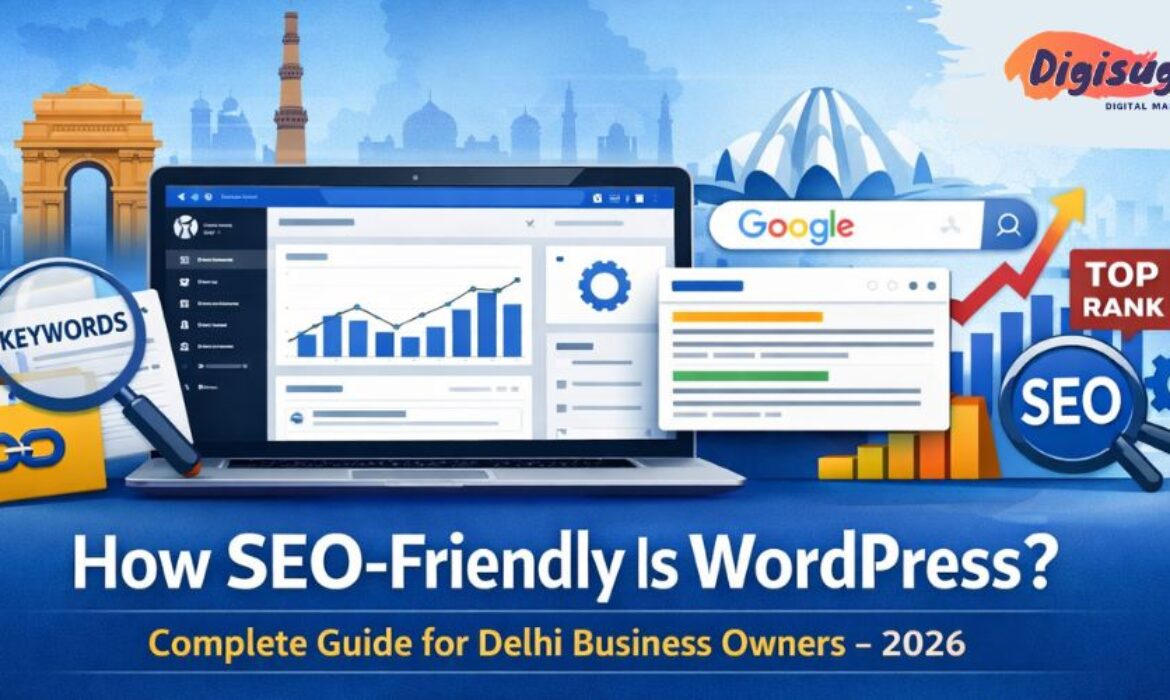
Every business owner in Delhi wants one thing: To rank on Page 1 of Google. Whether you are a lawyer in Saket or a manufacturer in Bawana, you know that if you are not on the first page, you are invisible.
When you ask experts about the best platform for SEO (Search Engine Optimization), the answer is almost always WordPress. Even Google’s own engineers have praised WordPress for its clean code and structure.
But simply installing WordPress doesn't guarantee a #1 ranking. It is like buying a Ferrari; it’s a fast car, but you still need a skilled driver to win the race.
In this detailed guide, we will break down exactly how SEO-friendly WordPress really is, what features make it superior to Wix or Shopify and how you can unlock its full potential to dominate the Delhi market in 2026.
- The Myth: "WordPress Automatic SEO"
- 1. Clean Code Structure
- 2. The Power of SEO Plugins
- 3. Permalinks (Clean URLs)
- 4. Mobile Optimization
- 5. Image Optimization
- 6. Technical SEO: Sitemaps & Robots.txt
- 7. Site Speed (Core Web Vitals)
- Common Mistakes That Kill WordPress SEO
- Conclusion: Is WordPress the Best for SEO?
The Myth: "WordPress Automatic SEO"
Let’s clear a misconception first. Many people think, "I installed WordPress, now I will rank automatically."
Galat hai (That is wrong).
WordPress provides the foundation. It is "SEO-ready," not "SEO-finished." Think of it as a house with perfect wiring, you still need to plug in the appliances and switch them on.
To rank in competitive markets like Delhi NCR, you need to configure WordPress correctly. Let’s look at the specific features that make this possible.
1. Clean Code Structure (Google’s Favorite Language)
Search engines use "crawlers" (bots) to read your website. If your website code is messy (like in many drag-and-drop builders), the bot gets confused and leaves. WordPress uses semantically coding. This means the code is logical.
- It clearly tells Google: "This is the Title (H1)," "This is a Subheading (H2)," "This is a paragraph."
Because the code is so clean, Google can index your new pages very fast. While a custom-coded site might take weeks to get indexed, a well-setup WordPress site often gets indexed in hours. If you are struggling with visibility, checking your on-page SEO is the first step.
2. The Power of SEO Plugins (Yoast & RankMath)
This is WordPress's biggest superpower. No other platform has plugins as powerful as Yoast SEO or RankMath.
These plugins act like a strict school teacher for your content. When you write a blog or a service page, the plugin analyzes it in real-time and tells you:
- "You haven't used your keyword in the first paragraph."
- "Your meta description is too short."
- "Your sentences are too hard to read."
For a business owner in Delhi who isn't an SEO expert, this is a lifesaver. It guides you to optimize every single page perfectly without knowing any code. This is especially crucial for specialized sectors like real estate SEO where competition is fierce.
3. Permalinks (Clean URLs)
Look at these two URLs:
- www.yoursite.com/?p=123&id=99 (Bad)
- www.yoursite.com/services/seo-services-delhi/ (Good)
The first one is confusing. The second one tells Google exactly what the page is about. WordPress allows you to create Custom Permalinks. You can include your target keywords (like "Delhi," "Price," "Best") directly in the URL. This is a massive ranking factor that platforms like Wix often struggle to handle correctly. Proper URL structure is one of the top SEO tips we recommend for all sites.
Want an SEO-ready website?
Get a WordPress site that ranks on Page 1 of Google.
4. Mobile Optimization (Mobile-First Indexing)
We have mentioned this before, but it is worth repeating: Google is now a mobile-first search engine. Most modern WordPress themes are responsive out of the box. But more importantly, WordPress allows you to hide heavy elements on mobile.
- Example: You can show a high-quality video on the Desktop version but replace it with a lightweight image on the Mobile version to make it load faster.
This level of control ensures your mobile rankings don't drop. For e-commerce digital marketing, mobile speed can be the difference between a sale and a bounce.
5. Image Optimization (WebP & Alt Tags)
Images make a website look good, but they are also the main reason websites become slow. WordPress handles images brilliantly:
- Alt Tags: You can easily add "Alt Text" to every image. This tells Google what the image is (e.g., "Office Interior Designer in Gurgaon"). This helps you rank in Google Images search too.
- Auto-Compression: With plugins like Smush or ShortPixel, WordPress automatically compresses every image you upload and converts it to WebP format (Google’s preferred format).
6. Technical SEO: Sitemaps & Robots.txt
Technical SEO sounds scary, but WordPress automates it.
- XML Sitemaps: WordPress automatically generates a map of your website (sitemap.xml) and sends it to Google. This ensures Google never misses a new page.
- Robots.txt: This file tells Google which pages not to visit (like your Admin login page). WordPress creates this automatically.
- Canonical Tags: It prevents "Duplicate Content" issues. If you have two similar pages, WordPress tells Google which one is the "original" to avoid penalties.
7. Site Speed (The "Core Web Vitals" Factor)
Speed is a direct ranking factor. If you are on a platform like Shopify or Squarespace, you have limited control over the server. If their server is slow, you are stuck. With WordPress, you choose the server.
- You can host your site on a super-fast cloud server (like AWS or DigitalOcean).
- You can use "Caching Plugins" (like WP Rocket) that make your site load instantly.
- You can use a CDN (Content Delivery Network) to serve your site from a server in Mumbai or Delhi, reducing latency for local users.
This flexibility allows WordPress sites to achieve 100/100 scores on Google PageSpeed Insights, which is very hard for other builders to achieve. Poor performance is one of the major ecommerce SEO mistakes that can kill your ROI.
Get a QuoteIs your site too slow?
Optimize your Core Web Vitals and dominate search results.
Common Mistakes That Kill WordPress SEO
Despite these advantages, we see many Delhi businesses failing to rank. Why? Because they make these mistakes:
- Using a "Heavy" Theme: Buying a theme with 50 animations looks cool but kills speed. Always choose a lightweight theme (like Astra or GeneratePress).
- Ignoring Updates: Not updating plugins creates security holes. Hacked sites are blacklisted by Google immediately.
- No Schema Markup: Schema is code that helps you get "Star Ratings" or "FAQ snippets" in search results. Most beginners forget to add this.
At Digi Suggest, our WordPress Website Design Services include all these technical configurations as standard. We don't just build; we optimize. If you are a local business, don't forget the impact of local SEO to capture nearby customers.
Conclusion: Is WordPress the Best for SEO?
Yes, absolutely. It gives you 100% control over every aspect of your website - Content, Technical Metadata, Speed and Structure. No other platform offers this level of freedom. But remember: The tool is only as good as the user.
To dominate the search results in Delhi, you need a WordPress site that is professionally architected and optimized. Want an SEO-ready website that beats your competitors? Stop struggling with settings you don't understand. Let the experts handle it.
👉 Get a Free SEO Audit & Quote for WordPress Website Design today.
Contact Us👉 Contact Digi Suggest Today!
Let's rank your business on the first page of Google.
FAQs (Frequently Asked Questions)
No. WordPress is a tool. You still need high-quality content, keywords, and backlinks. Think of WordPress as a racing car – it’s fast, but you still need a good driver (SEO Strategy) to win the race.
Both are excellent. In 2026, we often prefer RankMath for our clients because it offers more premium features (like Schema markup and 404 monitoring) in its free version compared to Yoast.
Out of the box, yes, it can be slightly heavier. However, with proper optimization (Caching, Image compression and fast hosting), a WordPress site can load just as fast as a custom HTML site. Speed depends on how well the site is built.
You can do basic on-page SEO (changing titles, writing descriptions) easily using plugins. However, technical SEO (speed optimization, schema, broken link fixing) usually requires an expert or an agency like Digi Suggest.
It is the best. WordPress allows you to easily embed Google Maps, create location-specific landing pages (e.g., “Services in Noida,” “Services in Dwarka”) and implement “Local Business” schema, which is crucial for ranking in the “Near Me” searches.