
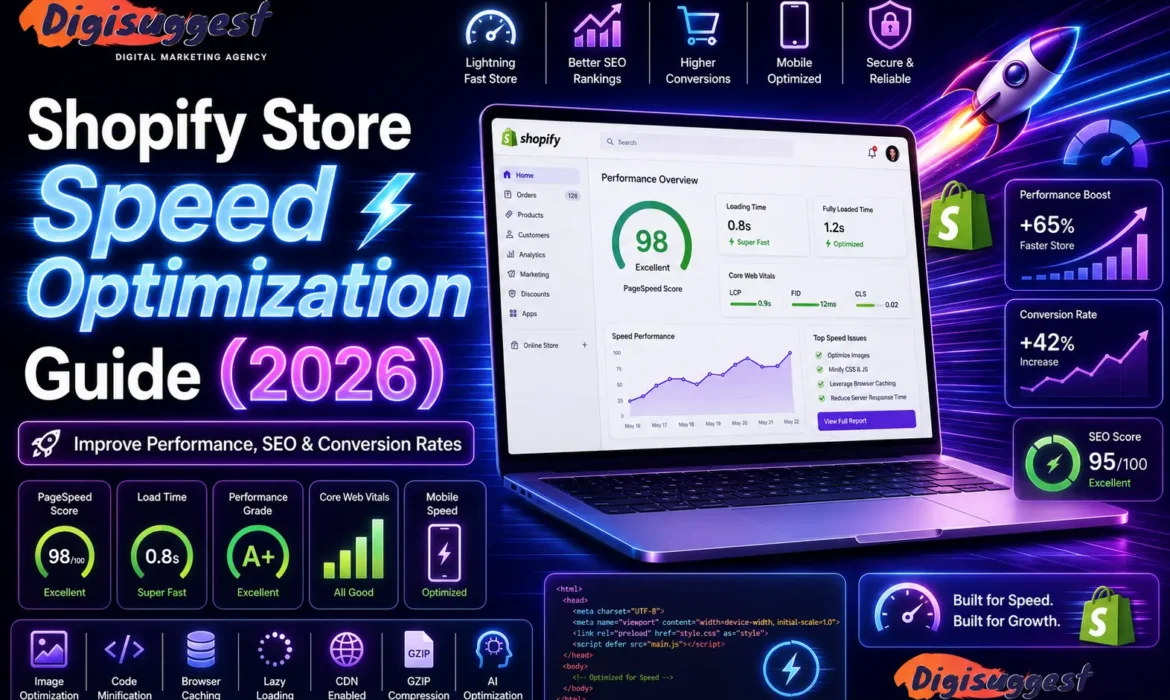
In 2026, Indian shoppers are more impatient than ever. With 5G becoming the standard in cities like Delhi and Mumbai, a store that takes more than 2.5 seconds to load is considered "slow." If your website hangs while a customer is trying to view a product, they won't wait - they’ll swipe back to Instagram or head to a competitor.
As a specialized Shopify website development agency in Delhi India, we know that speed is not just a "tech metric" - it is a core part of your SEO and Conversion Rate Optimization (CRO). Here is your ultimate 1,600-word guide to optimizing your Shopify store for lightning-fast performance.
- Why Speed is the "Silent Killer" of Conversions
- Step 1: The Image Overhaul (The 70% Win)
- Step 2: App Audit (Less is More)
- Step 3: Choose a Lightweight Theme
- Step 4: Advanced Technical Fixes
- Monitoring Your Progress: The Tools
- The "Desi" Perspective: Speed in Rural India
- Related Shopify Blogs
- Conclusion: Speed = Revenue
- FAQs
Why Speed is the "Silent Killer" of Conversions
Before we get into the "How," let’s look at the "Why." In the Indian e-commerce landscape:
- The 1-Second Rule: Studies in 2026 show that a 1-second delay in page load time can reduce conversions by up to 20%.
- Google’s Core Web Vitals: Google now uses metrics like LCP (Largest Contentful Paint) and INP (Interaction to Next Paint) as major ranking factors. If your site is slow, Google will push you to Page 2, no matter how good your products are. Learn more about Core Web Vitals: LCP, CLS and INP.
- Mobile Dominance: 90% of your Delhi-NCR traffic comes from mobile. Mobile processors are slower than desktops, making optimization even more critical. Read why Mobile-First Design is Crucial for Indian Businesses.
Need a Faster Shopify Store?
Improve your website speed and keep customers engaged with a lightning-fast shopping experience.
Step 1: The Image Overhaul (The 70% Win)
Images usually make up the bulk of a webpage’s weight. If you are uploading raw 5MB photos from a DSLR, you are killing your store.
A. Switch to WebP Format
In 2026, WebP is the gold standard. It provides the same quality as JPEG or PNG but at a 30% smaller file size. Shopify now automatically converts many images to WebP, but it's best to upload them in this format initially.
B. Implement Lazy Loading
Lazy loading ensures that images only load when the user scrolls down to them. This means the "Above the Fold" content (what you see first) loads instantly. Pura page ek saath load karne ki zaroorat nahi hai.
C. Resize Before You Upload
If your product image is displayed as a 400x400 square on mobile, don't upload a 4000x4000 image. Use tools like Squoosh or TinyPNG to resize and compress before the file ever hits your Shopify media library.
For more ecommerce optimization tips, check out How Page Speed Affects Ecommerce Sales.
Step 2: App Audit (Less is More)
Every Shopify app you install adds a piece of JavaScript to your store. Even if you "disable" the app, the code often stays in your theme.
- The Rule of 20: Try to keep your total app count under 20.
- Identify the "Speed Killers": Massive chat widgets, complex page builders, and "Recent Sale" pop-ups are the heaviest.
- The Audit: Use Google PageSpeed Insights to see which third-party scripts are taking the longest to execute. If an app isn't bringing in direct revenue, usey delete kariye!
You can also explore our guide on Must-Have Shopify Apps for Growth in India 2026.
Want to Optimize Your Shopify Apps?
Remove unnecessary app bloat and improve your store’s loading speed and performance.
Step 3: Choose a Lightweight Theme
Not all themes are created equal. Some are built for "Features" (and are very heavy), while others are built for "Performance."
- Online Store 2.0: Ensure your theme is compatible with Shopify’s OS 2.0. These themes use modern Liquid architecture that is much faster.
- Avoid "Theme Bloat": Don't pick a theme just because it has 50 different sliders and animations. Most of those just distract the customer and slow down the site. At Digi Suggest, we recommend themes like Dawn (for simplicity) or Prestige (for high-end retail).
If you're planning a redesign, compare Custom vs Theme-Based Shopify Development in India.
Step 4: Advanced Technical Fixes
For those who want to go the extra mile (or hire an agency to do it), these technical tweaks provide the "Pro" edge:
A. Minify CSS and JavaScript
This process removes unnecessary spaces and comments from your code, making the files smaller and easier for the browser to read.
B. Preload Key Assets
You can tell the browser to "Preload" your main hero banner or your brand’s logo. This ensures the most important parts of your site appear first, improving your LCP score.
C. Use Google Tag Manager (GTM)
Instead of hardcoding 10 different tracking pixels (Facebook, Google Ads, Pinterest) into your theme.liquid, move them all into GTM. This allows the scripts to load "asynchronously," meaning they won't block the rest of your site from loading.
Want better search rankings too? Explore our Shopify SEO Services and learn How to Rank Shopify Store on Google.
Need Advanced Shopify Optimization?
Boost your Core Web Vitals and improve SEO rankings with technical speed enhancements.
Monitoring Your Progress: The Tools
You can't fix what you can't measure. Use these three tools regularly:
- Shopify Speed Report: Found in your Shopify Admin under Online Store > Themes. It gives you a score relative to similar stores.
- Google PageSpeed Insights: The "Boss" of speed testing. It shows you exactly what Google thinks of your site.
- GTMetrix: Excellent for seeing a "Waterfall" chart of every single file that loads on your site.
The "Desi" Perspective: Speed in Rural India
If your brand is targeting Tier 2 or Tier 3 cities in India, speed is even more vital. Network speeds in these areas can be inconsistent. A "Lightweight" store ensures that a customer in a small town can still shop from your brand without their screen freezing. Speed sirf Delhi-NCR ke liye nahi, pure Bharat ke liye hai.
Also read: 10 Must-Have Features for Every Shopify Store in India.
Related Shopify Blogs
- 10 Must-Have Features for Every Shopify Store in India
- Top Shopify Apps for Growth in India 2026
- Shopify Store Speed Optimization Guide 2026
- How to Rank Shopify Store on Google
- Common Ecommerce SEO Mistakes
- Why Your Ecommerce Store Gets Traffic But No Sales
Conclusion: Speed = Revenue
In 2026, a fast store is no longer a luxury - it is a basic requirement. Speed optimization is a continuous process. Every time you add a new product or install a new app, you should check your speed.
Don't let a slow website be the reason your "Dhanda" stays small. As a professional Shopify website development agency in Delhi India, Digi Suggest can perform a deep technical audit of your store and fix the bottlenecks that are holding you back.
Ready to fly? Connect with Digi Suggest and let's get your store to a 90+ PageSpeed score!
Next Blog in our 40-Part Series: "Shopify SEO 2026: The Ultimate Guide to Ranking #1."
FAQs
While a 100/100 is nearly impossible for a functional store, you should aim for a mobile score of 70+ and a desktop score of 90+ on Google Page Speed Insights.
Yes! Speed optimization mostly happens in the “Back-end” (code optimization, image compression, script deferral). Your store will look exactly the same, but it will feel much “snappier” to the user.
Yes. Shopify uses a world-class CDN (Content Delivery Network), which means your site’s data is stored on servers all over the world. When a customer in Delhi opens your site, the data is served from the nearest server in India, making it very fast.
Yes, but only if you also remove the “leftover” code. Many apps leave behind snippets in your theme.liquid file. You might need a developer from Digi Suggest to clean up this “Ghost Code.”
We recommend a monthly speed audit. Also, always check your speed after a major design change or after installing a new marketing app.


